
Your AI Chief of Staff
What do you wish you could get done?
Gina takes the busywork off your team’s plate while you get on with the work. Nothing goes out without your yes.



- Nothing sends without your yesReplies, holds and proposals wait for your yes.
- Runs on your Claude accountA plan you already pay for.
- Email, calendar and docsConnected today. More on request.
- Keeps working after you log offIt runs in the cloud, not on your laptop.
Three jobs Gina takes off your plate.

Today
Leads in four places
Email, DMs, texts and form fills, each checked on its own.
With Gina

One list, every reply drafted
Every inquiry lands in one list, with a reply drafted for your yes.
See how it worksToday
Five calendars for one date
Texting each act and checking each sheet to answer one date.
With Gina

One message, every calendar checked
Ask once. Gina reads every calendar and sheet, then asks before holding anyone.
See how it worksToday
Proposals rebuilt by hand
The same details copied into a new proposal, one afternoon at a time.
With Gina

Drafted from the thread, sent on your yes
Gina drafts the proposal from your notes and past proposals. Nothing goes out without your yes.
See how it worksFeels like messaging a teammate. Ask in Slack or the Gina console, in plain words. Gina answers in the thread and keeps the context.
Your own Gina in the cloud, shared by your whole team. One Gina for everyone, not a laptop app. Shared threads, one memory of the business, and roles for who approves.
Always working on your goals. Routines run on their own: a morning brief for each person, sweeps for unfinished work, and todos and goals kept current.
Works with your tools, builds what's missing. Email, calendar and documents connect today; tools like QuickBooks or Calendly connect on request. When a tool doesn't exist, Gina builds it. Our own CRM and this website are her work.
See Gina work
Watch it. Don’t take our word for it.
Who Gina works for
Any growing business that runs on inquiries, proposals and follow-up. Event and wedding pros are where we started.

Service businesses
Inquiries, proposals and follow-ups drafted, whatever you sell.

Wedding planners
Intake notes filed and the proposal drafted before your next consult.
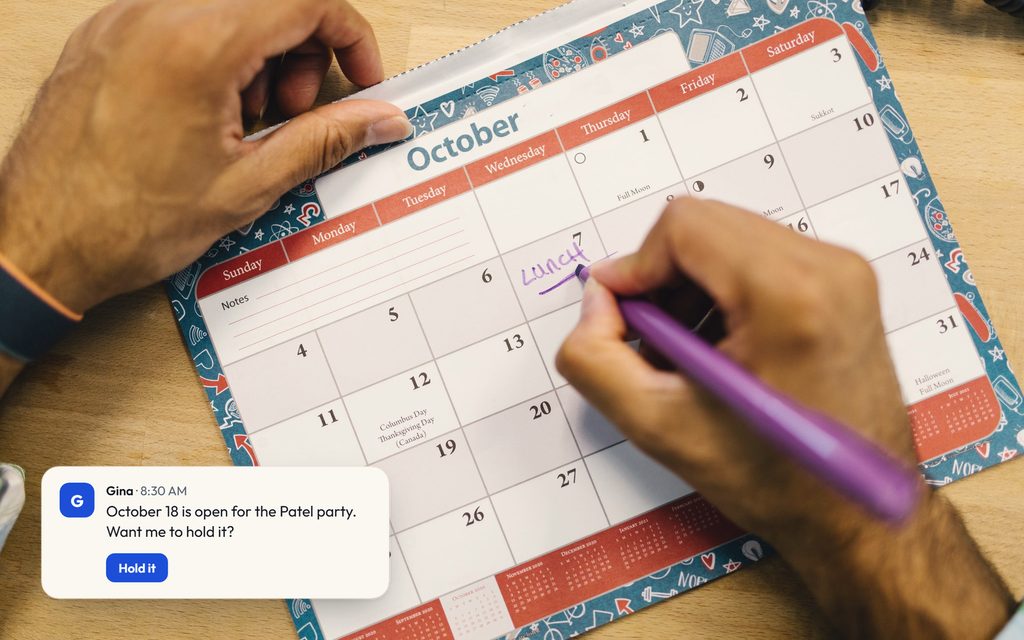
Event planners
Dates, holds and vendor calendars in one place.
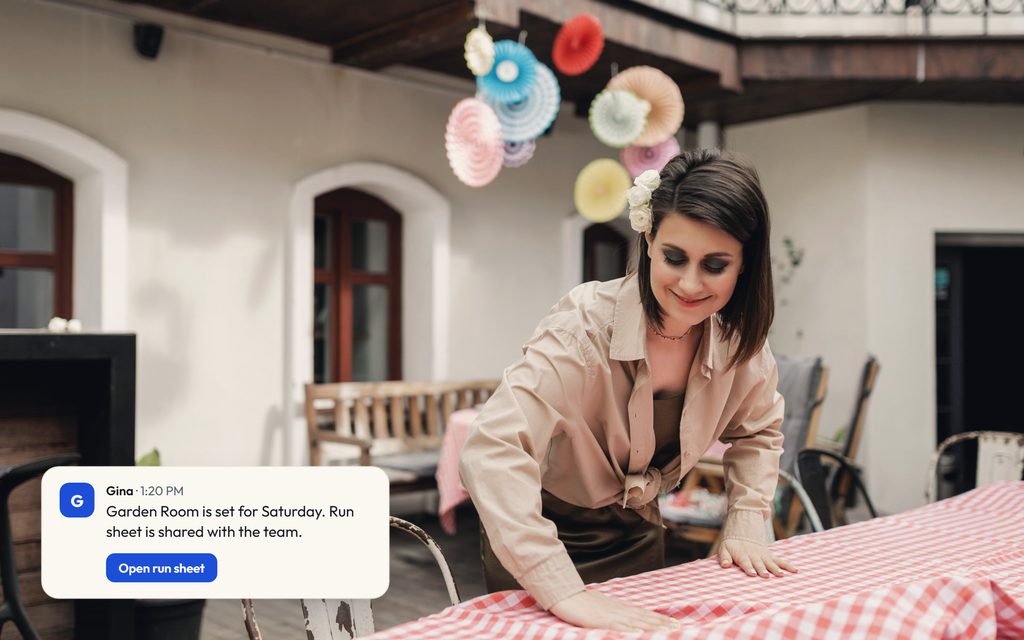
Venues
Tours, holds and run sheets your whole team can see.

Florists
Quotes that turn into deposits without the chasing.

Bands and booking agencies
Who's free on the 14th, answered in one message.
You approve everything
Nothing goes live without your yes.
Every reply, proposal and deposit link waits in one list. Approve it, edit it or leave it. Gina sends only what you approve.
- Send a reply to a clientwaits for your yes
- Hold a date or a vendorasks first
- Send a proposal or contractwaits for your yes
- Send a deposit linkwaits for your yes
Runs on your Claude account How approvals work
A drafted proposal for the Morgan wedding waits for your yes. You approve it and it shows as sent. A follow-up for the Ellis anniversary party is edited to say Thursday, then approved and sent.
Approve what matters. See everything Gina did.

Approve what matters
Replies, proposals, contracts and payment links wait in one list. Roles decide who can approve.
Every thread keeps its history
What was asked, what Gina did and who approved it, in the thread where it happened.
Every routine reports back
Scheduled work posts what it ran and what it found, so nothing happens out of sight.
Every file stays on record
Reports, proposals and documents Gina delivers stay in your files, ready to open again.
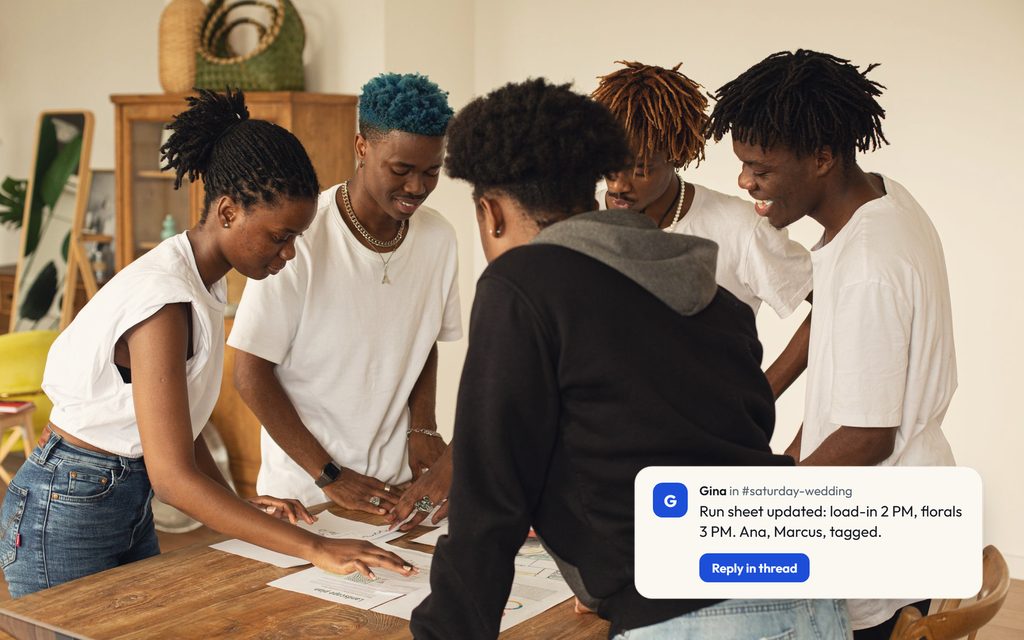
Your whole team, one Gina.
You, your coordinator and your lead planner share threads and one memory of the business. It runs in the cloud, so it keeps working after everyone logs off.
A shared thread for the Morgan wedding. The owner asks to lock the florist by Friday, the coordinator checks their calendar, Gina drafts the hold and waits for your yes. A second AI agent you already use joins and reports the seating plan is updated. Sales adds the lounge setup to the proposal, and the owner approves. Gina marks the hold sent.

A week with Gina

An example week. The names and times are made up.
- A new inquiry comes in through your website form. The reply is drafted and waiting for the morning.
- Your morning digest is ready. Replies to approve, a deposit that is due and two follow-ups, in one list.
- You ask who's free on the 14th. Gina checks the rosters and asks before holding three acts.
- You approve the Morgan wedding proposal. The contract and deposit link go with it.
- A quote has gone quiet. A follow-up is drafted in your voice and waits for your yes.
- Saturday's run sheet is shared with everyone working the event.
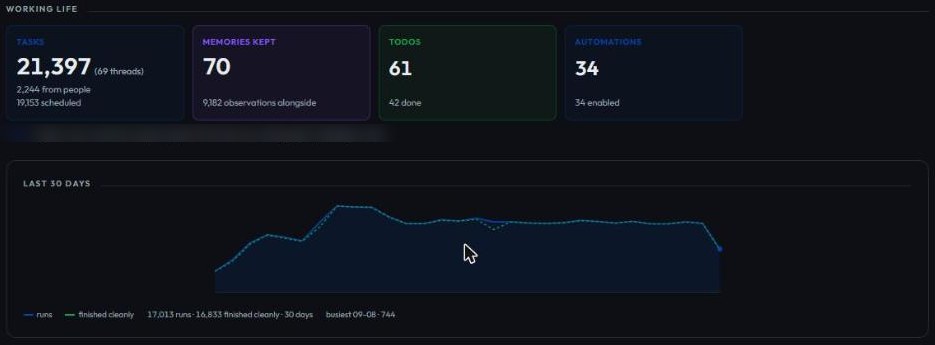
We run Talk to Gina on Gina.

These are our own numbers, from the Gina that runs our company, not a customer's.
28days
Mornings in a row every founder got the brief by Slack and email, Sep 3 to 30.
30
Meetings written up into decisions and owners.
64of 101
Achievements earned in our console as of Sep 30, each from work it actually did.
Runs on what you already have.
- Your Claude account
- Gina works through a Claude plan you already pay for.
- The tools you already use
- Email, calendar and documents connect today. Tools like QuickBooks or Calendly connect on request. See which tools connect.
- Phones
- On request. Gina answers your calls and returns the ones you miss. The notes land in the same thread.
Your Claude account connects to Gina. Email, calendar and documents show as connected. CRM, e-signature, payments and phones show as on request. Works with Claude today, with more AI accounts coming.
Bring your Gina to the assistant you already use.
Connect your AI to Gina with one URL. Sign in with your Gina account and Meta Muse, Claude, ChatGPT or Cursor can send Gina work, read your threads and check what is waiting on you. You choose what each connection may do, and you can revoke it at any time.
https://app.talktogina.ai/api/mcp
- Meta MuseSigns in with Gina, no key to paste
- ClaudeSigns in with Gina, or uses a key
- ChatGPTSigns in with Gina, no key to paste
- Claude CodeUses a key, or signs in with Gina
- CursorUses a key
- Any MCP clientOne URL, sign-in or key
See the setup steps Watch Facebook groups with Muse
ChatGPT, Claude, Claude Code, Meta Muse, Cursor, Perplexity and Google are trademarks of their owners. Gina connects to them over the open Model Context Protocol; that doesn’t mean they endorse or partner with Talk To Gina.
Common questions

What can Gina do?
How does Gina work?
Does Gina ask before acting?
Does Gina keep working after I log off?
Who else on my team can use it?
Is my data safe?
Can I use Gina from another AI assistant?
What does it cost?
Ask your AI about Gina
Pick a question, then open it in the assistant you already use.
See if Gina fits your business.

Tell us what eats your week. On the call we'll show you what Gina would take on first.