
Guides
Is it safe to give an AI assistant your email and calendar?
Five things to check before you connect your inbox, and how Gina handles each one.
Quick answer
It can be, if you check five things first: you sign in on the app's own page and never hand over a password; nothing is sent without your approval; the keys it holds are encrypted and never logged; your assistant runs separately from other customers; and you can see what it's connected to and remove its access from the app's own account settings at any time. Ask any vendor to show you each one in the product itself, rather than in a sales deck.

Nothing goes live without your yes.
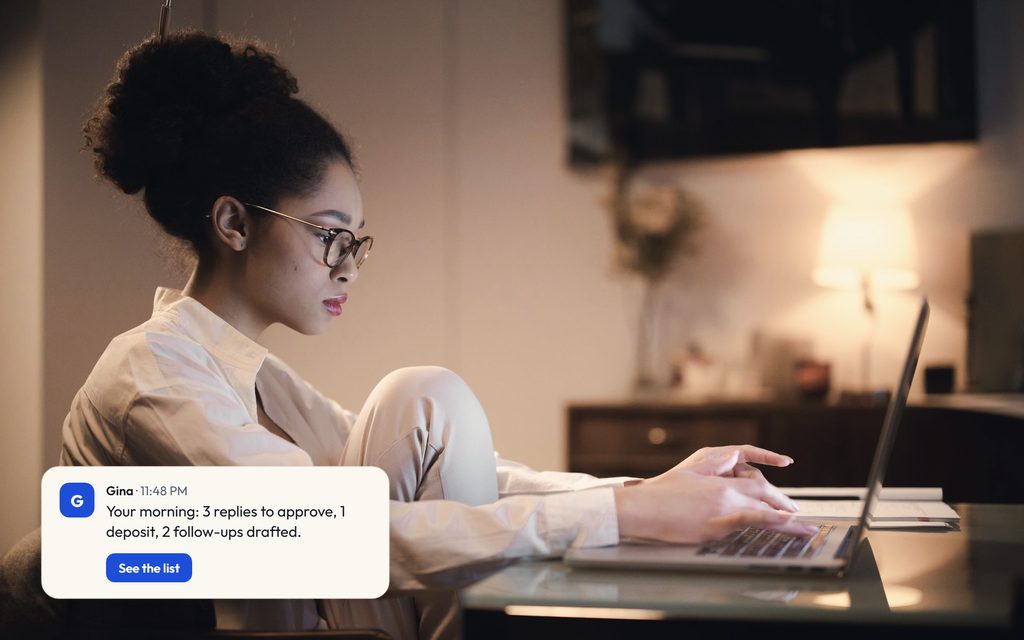
Every reply, proposal and deposit link waits in one list. Approve it, edit it or leave it. Gina sends only what you approve.
- Send a reply to a clientwaits for your yes
- Hold a date or a vendorasks first
- Send a proposal or contractwaits for your yes
- Send a deposit linkwaits for your yes
Runs on your Claude account How approvals work
A drafted proposal for the Morgan wedding waits for your yes. You approve it and it shows as sent. A follow-up for the Ellis anniversary party is edited to say Thursday, then approved and sent.
What you can check before you decide
No invented numbers or borrowed testimonials. These are the parts you can verify in a demo.

- Nothing goes out without your yesEvery drafted reply, proposal, post or payment waits in your approval inbox until you say send.
- Runs on your Claude accountGina works through your Claude account, so her work draws on a plan you already pay for. Today that means a Claude Pro or Max plan; more AI accounts are coming.
- Works with the tools you already useEmail, calendar and documents connect today; your CRM connects on request. There's no new system to move into.
- See the real product firstIn a demo we run the real Gina console on your week.
Why this is the right question to ask
An assistant that only chats is low stakes. An assistant that drafts replies, books meetings and follows up on quotes has to read your inbox and calendar to do that work, and your inbox holds your clients, your prices and your contracts. So before you connect anything, it's worth knowing exactly how the access works. The good news is that the questions are simple, and a trustworthy product can show you the answer to each one on screen.
Below are the five checks we'd run on any AI assistant, followed by how Gina answers them. Where we describe how Gina works, we link to the page in our product docs that says so.
1. How does it sign in to your email?
The safe pattern is that you sign in to your email provider on the provider's own page, approve what the assistant may access, and the assistant never sees your password. The unsafe pattern is any product that asks you to type your email password into its own form or into a chat. Google's own help page is direct about this: don't share your Google Account password with an app from another developer, because that gives it full access to your account. Instead you grant a specific, limited kind of access that you can remove later (source: Google Account Help, "Share some access to your Google Account data with apps from other developers").
With Gina: you ask Gina to connect an app, and she sends a link that opens that app's own sign-in page. You sign in there; Gina never sees your password. Our docs also say Gina will never ask you for a password, key or code in a chat (Connections).
2. Can it send anything without you?
Reading is one level of trust. Sending is another. Before you connect an assistant, find out what it does on its own and what waits for you. Look for a single place where pending work collects, so you aren't hunting through five apps to find out what went out.
With Gina: nothing goes out without your yes. Gina drafts replies in your own mailbox and leaves them there (Connections). Proposals, contracts and payment requests wait in one inbox of approvals until you say send. If you later want a routine reply type to go out without a check, that's a choice you make, not a default.
3. Where do the keys live?
Some tools connect by signing in; others need a key or token that you create in another service. Ask where those keys are stored, whether they're encrypted, and whether they ever end up in logs or in a chat history where someone could find them later.
With Gina: keys you enter go into your agent's own encrypted secret. Our security page says they are encrypted at rest with a per-tenant key, never returned in an API response and never logged (Security). Keys go in the Credentials form in the console, never in a chat.
4. Is your data kept apart from other customers?
Many AI products run every customer on shared infrastructure. That isn't automatically unsafe, but you should know which kind you're buying and how one customer is kept from seeing another's work.
With Gina: each business gets its own Gina, running as its own isolated instance with its own identity and its own secret. The console and the agents API only return your own account's agents and requests (Security). Two assistants that are both called Gina are two separate, isolated instances.
5. Can you see who has access, and take it back?
Access should be easy to review and easy to remove, both for the assistant and for the people on your team who use it.
With Gina: the Connected apps card lists every app your Gina can use and whether each connection is current; an expired connection shows as Expired and Gina asks you to reconnect rather than retrying (Connections). People get one of four roles, owner, admin, operator or viewer, and only owners and admins can grant or revoke access (Access roles). On the provider side, you can also remove a linked app from your Google Account at any time (Google Account Help).
One more thing to ask: who can help when it breaks?
Support access is a trade-off worth understanding. If the vendor can reach your assistant to repair it, recovery is faster; if it can't, your setup is more closed but harder to fix remotely. With Gina you choose at onboarding: support can open one-way access to repair a stuck agent. It's on by default, and you can opt out for stricter privacy, at the cost of no remote repair (Security).
What the assistant still can't do
Connecting your email doesn't give an assistant judgment. Gina can only reach the apps you connect and can't exceed the access you give her. She can also be wrong, so read anything important before you approve it. That's the reason approvals exist: the assistant prepares the work, and you stay responsible for what goes out.
If you're weighing whether an assistant is right for your business at all, start with What is an AI chief of staff? or see how Gina works day to day.
Common questions
Will Gina ever ask for my email password?
Can Gina send an email without me?
How do I take access away?
Who else can see my Gina?
Ask us to walk through access on a call.
We'll show you exactly what Gina can see and what waits for your yes.
